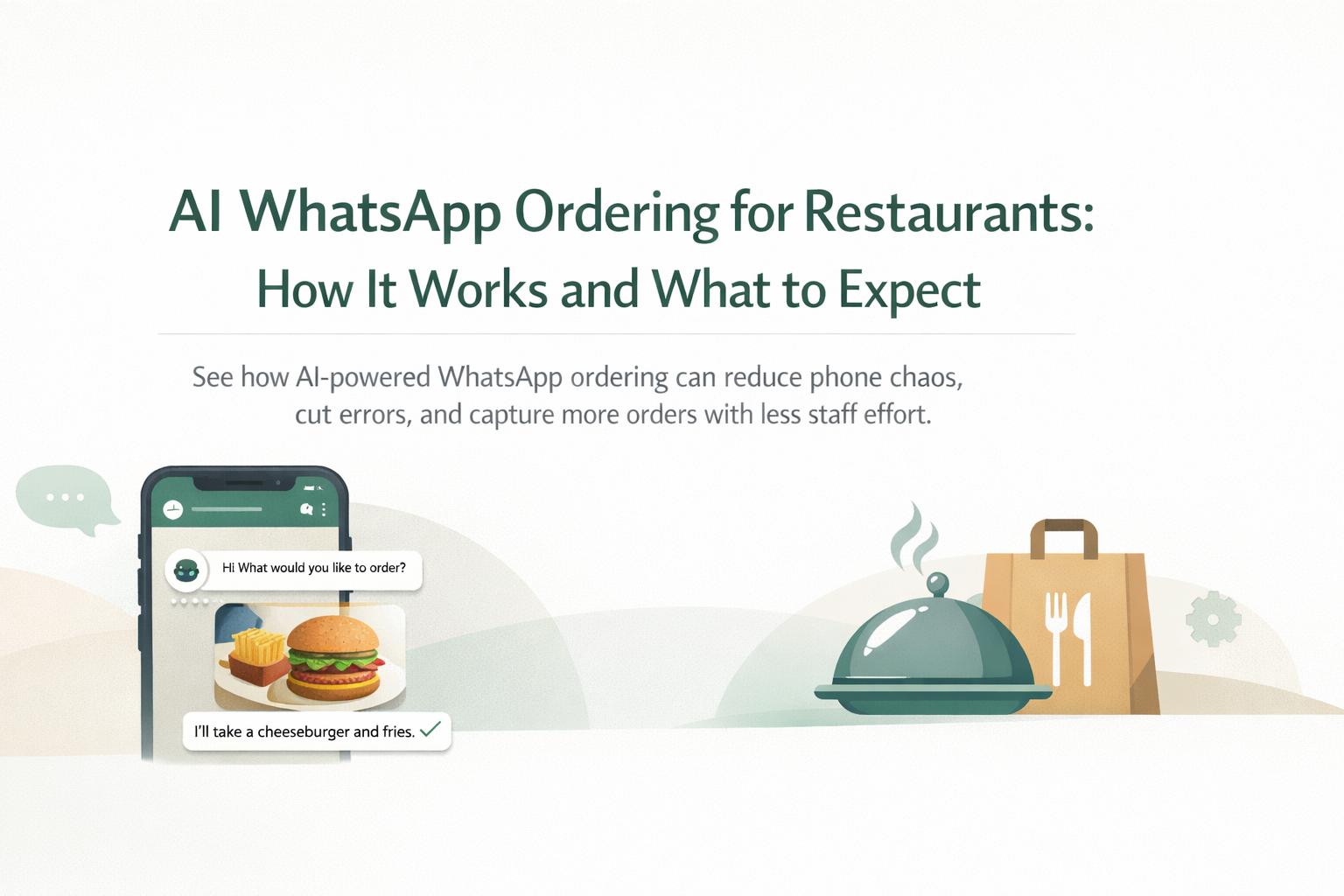
If your phones are constantly ringing, staff are juggling Zomato/Swiggy tablets, and DMs are piling up, you’re probably wondering whether AI WhatsApp ordering for restaurants can actually simplify things—or just add another channel to manage.
This explainer walks through how WhatsApp ordering for restaurants works with AI, what results you can realistically expect, and the key decisions you’ll need to make before rolling it out.
We’ll focus on practical, operations-first details: integrations, menu logic, staffing impact, and how WhatsApp ordering fits into a broader AI automation strategy for restaurants.
What is AI WhatsApp ordering for restaurants?
WhatsApp ordering for restaurants means guests can place orders by chatting on WhatsApp instead of calling, using a delivery app, or filling a web form. When you add AI, an intelligent chatbot handles the full conversation—menu, customizations, address, payment link, and confirmation—without staff needing to type.
In other words, it turns your WhatsApp number into a 24/7 AI-powered ordering assistant that knows your menu and policies and can talk like a trained staff member.
Many restaurants already send static menus as PDFs or images on WhatsApp. AI ordering goes much further:
From broadcast to conversation: Guests can ask questions, customize dishes, and get instant responses.
From manual to automated: No one has to copy orders from WhatsApp into POS or delivery dashboards.
From generic to personalized: AI can recognize repeat customers and suggest relevant items or offers.
Platforms like Waitwhiz combine AI chatbots for restaurants with CRM, marketing, and even AI voice calling for delivery confirmation, so WhatsApp becomes a full customer channel—not just another inbox.
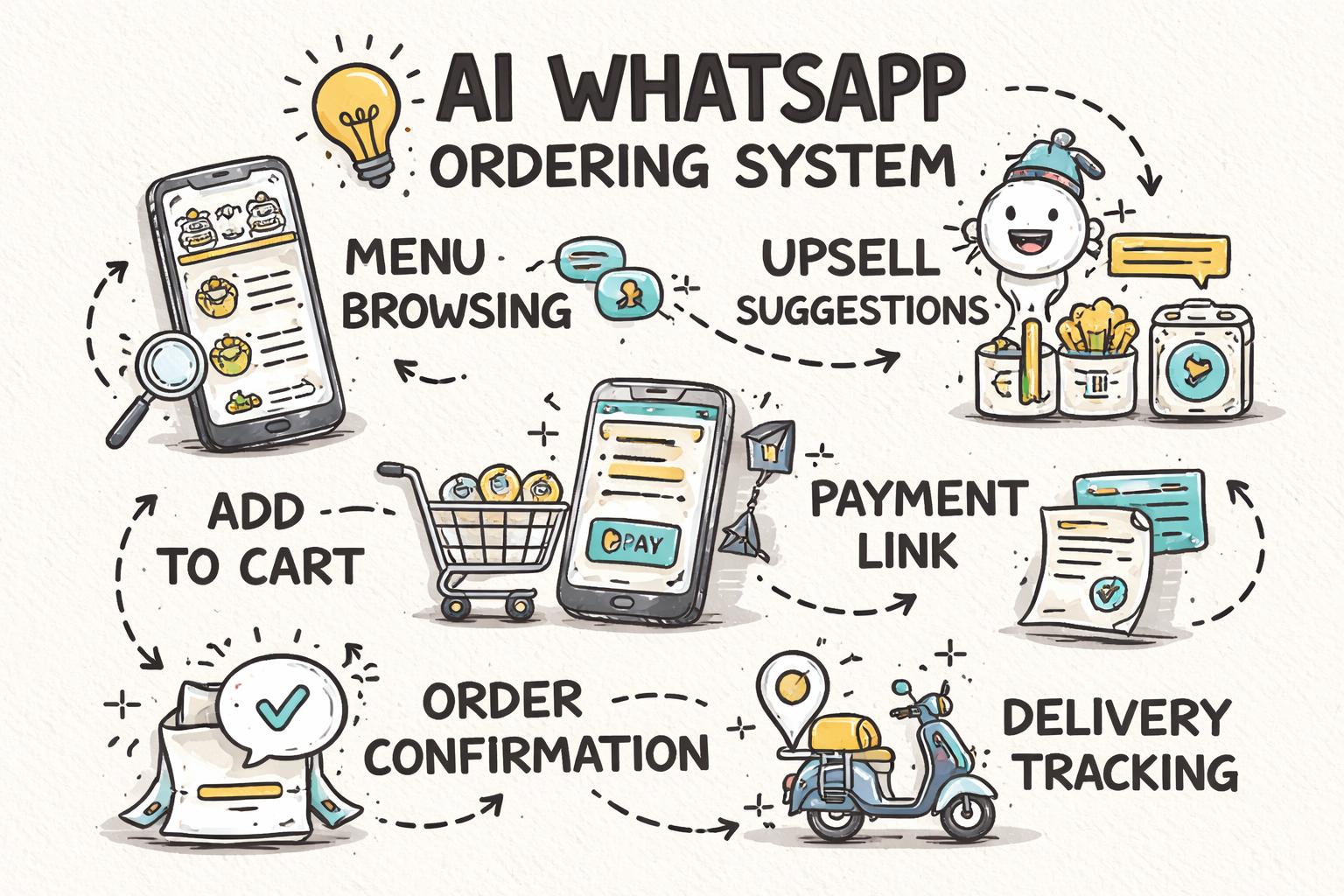
How AI WhatsApp ordering actually works (step-by-step)
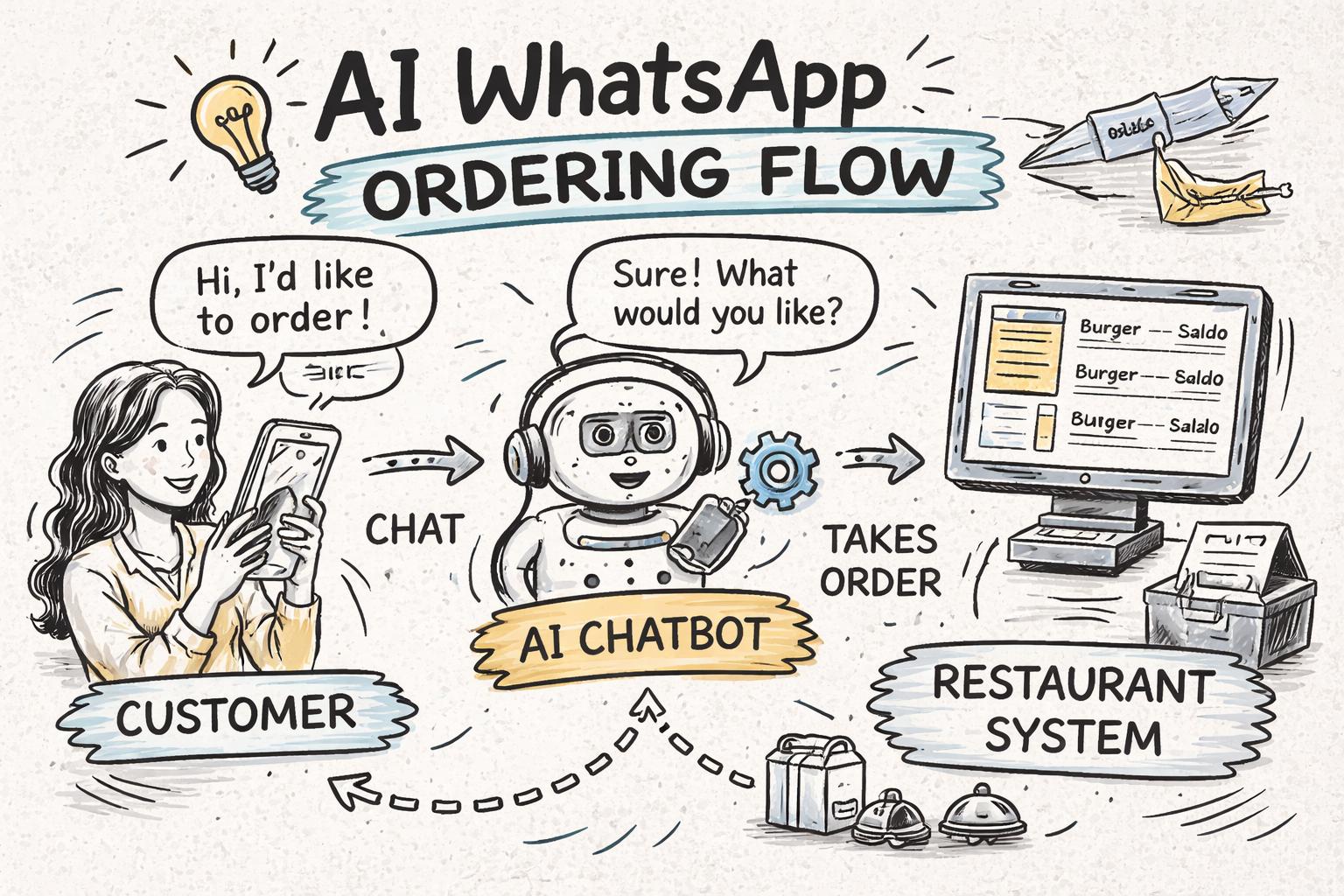
Under the hood, an AI-powered WhatsApp ordering system connects four things: WhatsApp Business API, an AI chatbot engine, your menu and policies, and your order management (POS, aggregator dashboards, or kitchen display).
1. Customer starts the chat
Guests can reach your WhatsApp ordering in several ways:
Click-to-WhatsApp button on Google Business Profile, Instagram, or website
QR code on tables, packaging, flyers, or storefront
Saved contact shared via word of mouth or past orders
They send a simple message like “Hi” or “I want to order,” and the AI bot recognises the intent.
2. AI chatbot greets and qualifies the order
The WhatsApp bot for food ordering sends a friendly greeting and clarifies a few basics:
Order type: delivery, pickup, or dine-in
Location / outlet (for multi-location brands)
Any key policies (delivery radius, minimum order, timings)
Modern systems (including Waitwhiz) use large language models trained on restaurant data, so they can handle free-text like “Can I pick up in 30 mins?” instead of forcing rigid button flows.
3. Menu browsing and item selection
Next, the AI shares your menu in a structured way:
Category-wise lists (Starters, Mains, Desserts, Beverages)
Best-sellers or combos highlighted first
Short descriptions, spice level, veg/non-veg tags, and pricing
Guests can respond naturally: “Paneer tikka, 2 butter naan, one dal makhani” or “Any non-spicy pizza for kids?” The AI interprets this, confirms quantities, and suggests suitable items.
4. Customizations, upsells, and add-ons
Here’s where an AI chatbot for restaurants can outperform rushed phone calls:
Prompts for size, crust, spice level, toppings, sides, or drinks
Contextual upsells: “Would you like to add garlic bread? It goes well with this pasta.”
Allergy and dietary checks: “Do you want this without nuts or dairy?”
Because everything is typed and confirmed, order accuracy improves, and staff don’t miss upsell opportunities.
5. Address, timing, and payment
Once the cart is ready, the bot collects:
Delivery address (with map link or pinned location)
Preferred delivery or pickup time
Payment mode (online link, UPI, COD depending on your policy)
The system can send a secure payment link (Razorpay, Stripe, or local gateways) and confirm payment status automatically before firing the order to the kitchen.
6. Order confirmation and routing
After payment or COD confirmation, the AI:
Shares a clear order summary with items, price breakup, taxes, and ETA
Pushes the order to your POS, KDS, or aggregator tablet (depending on integration)
Notifies staff via existing systems—no need to monitor WhatsApp manually
This is the core difference between basic chat and a proper restaurant WhatsApp ordering system: orders are structured and synced, not screenshots.
7. Status updates and post-order engagement
Finally, the bot can handle:
“Order accepted,” “Out for delivery,” and “Delivered” messages
Simple support queries like “Where is my order?” or “Change address” within limits
Feedback collection and review nudges after delivery
With platforms like Waitwhiz, this also feeds into your AI-powered restaurant CRM and loyalty system, so you can retarget guests later with offers on WhatsApp.
Why restaurants are moving to WhatsApp ordering
Globally, WhatsApp has over 2 billion monthly active users, and in many markets it is the default messaging app. For restaurants, that translates into three big advantages.
1. Lower friction than apps and websites
Most guests already use WhatsApp daily. There’s no app to download, account to create, or password to remember. They simply open a chat and start typing.
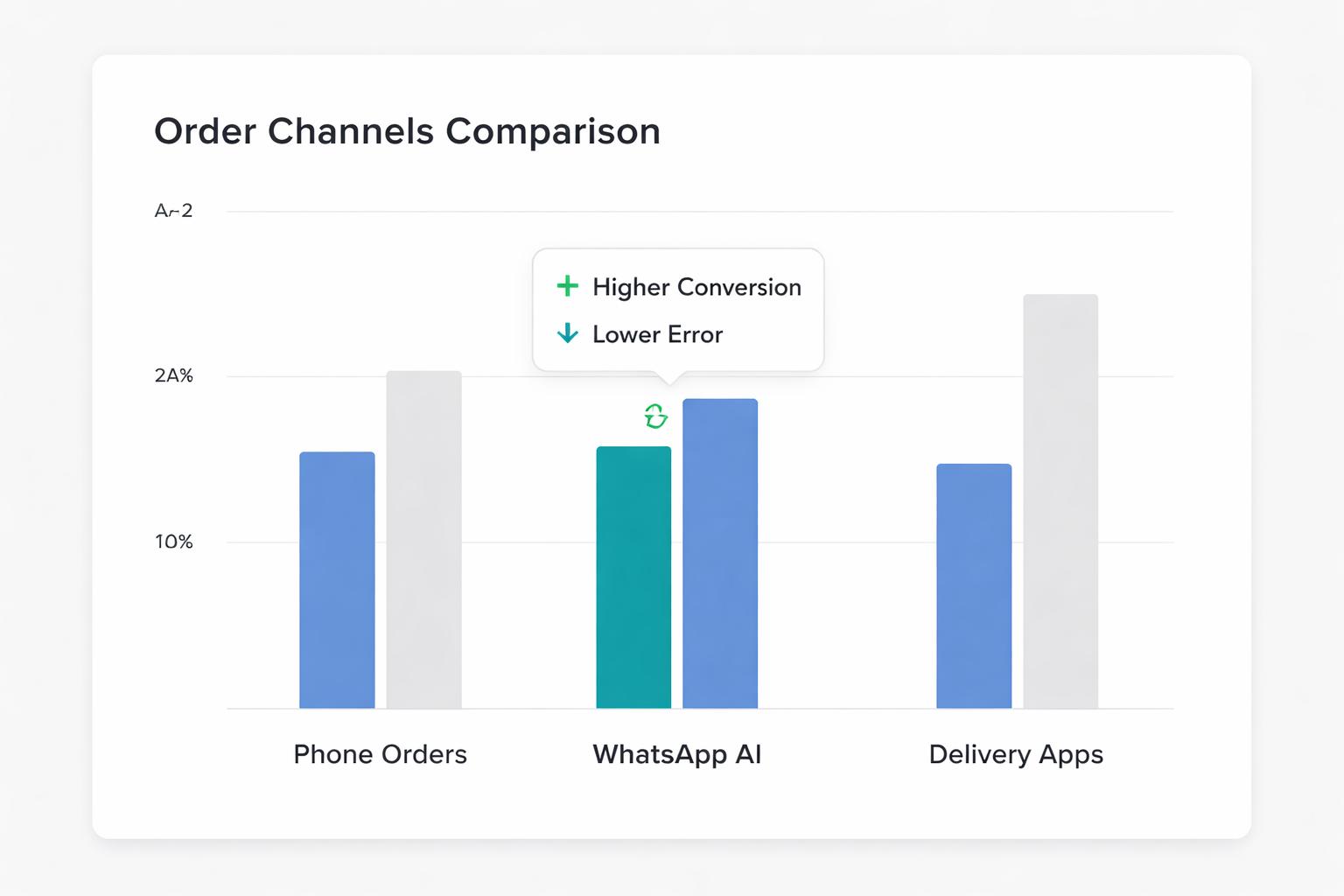
Higher conversion: Fewer drop-offs compared to web forms or clunky mobile sites.
Faster repeat orders: Past chats and addresses are saved in the same thread.
More organic discovery: Guests forward your number or QR code easily.
2. Reduced phone chaos and staff load
Phone-based ordering doesn’t scale: lines are busy at peak times, orders are misheard, and staff are interrupted constantly.
With AI WhatsApp ordering:
Most routine questions and orders are handled automatically.
Staff only step in for edge cases or VIP guests.
Peak-time stress drops because chats can queue and be processed in parallel.
In our experience with Waitwhiz customers, it’s realistic to offload 40–70% of phone orders to WhatsApp within a few months if promoted correctly.
3. Direct channel with better margins
Compared to third-party delivery apps, WhatsApp is a direct channel:
That’s why many brands are positioning WhatsApp as their “preferred ordering channel” with exclusive offers or loyalty perks.
Key features to look for in an AI WhatsApp ordering system
Not all WhatsApp bots are equal. Many are just rigid button flows or basic autoresponders. When evaluating AI-powered WhatsApp ordering, focus on these capabilities.
Your guests will not follow a script. They’ll type “1 paneer tikka, 2 naan, can I get less spicy?” in one line. Look for:
Support for free-text orders and questions.
Ability to handle spelling mistakes and mixed languages (e.g., English + local language).
Fallback to buttons only when helpful, not as the only option.
Waitwhiz uses a proprietary restaurant-trained LLM so the bot understands menu items, combos, and common modifications more reliably than generic chatbots.
2. Deep menu and modifier support
A serious WhatsApp ordering for restaurants solution should handle:
Complex menus with categories, variants, and add-ons.
Stock status and “86” items (ideally synced from POS).
Time-based availability (lunch vs dinner, weekday vs weekend).
This avoids the common frustration of guests ordering items that aren’t available or misconfigured.
3. Order routing and integrations
Ask vendors how they send confirmed orders to your operations:
Direct POS integration (ideal for chains and high volume).
Kitchen display or printer integration for smaller outlets.
Basic email/SMS alerts as a backup.
The more integrated it is, the less your staff need to copy-paste, and the lower your error rate.
4. CRM and repeat-order intelligence
WhatsApp ordering is most powerful when combined with customer data. Look for:
Automatic profile creation for every guest with consent.
Order history and preferences stored in a central CRM.
Ability to send targeted offers (e.g., “weekday lunch combos” to office customers).
This is where Waitwhiz’s CRM and automation workflows help you turn one-time WhatsApp orders into loyal guests.
5. Compliance, data security, and opt-ins
Because you’re using WhatsApp Business, you must respect platform policies and privacy regulations:
Clear consent for promotional messages and marketing templates.
Secure handling of payment and personal data.
Easy opt-out options for guests.
Review the official WhatsApp Business terms and policies and ensure your provider is compliant.
What results to expect from AI WhatsApp ordering
Every restaurant is different, but based on industry data and live deployments, you can expect improvements in a few clear areas.
1. Higher order accuracy
Because orders are typed, confirmed, and structured before reaching the kitchen, misheard items and quantities drop significantly. In internal Waitwhiz pilots, operators commonly report 20–40% fewer order-related complaints compared to phone orders.
2. Better staff productivity
Instead of tying up a staff member on the phone, AI handles most of the conversation:
Front-of-house can focus on guests in the venue.
Managers spend less time firefighting during rush hours.
Owners can scale to more outlets without linearly increasing call-centre headcount.
Combined with AI chatbots for reservations and FAQs, this can free up hours per day.
3. More direct, repeatable revenue
Because WhatsApp keeps the full conversation history, it becomes a “living” customer record:
Guests can reorder past favourites by saying “Same as last time.”
You can send personalized offers based on order frequency or spend.
You own the relationship instead of renting it from a marketplace.
According to McKinsey’s research on digital consumers, brands that build strong direct-to-consumer channels tend to see higher lifetime value and better margins over time—WhatsApp is a practical way to do this for restaurants.
4. Happier guests (when done right)
Guests appreciate fast, clear replies and not having to repeat themselves. But expectations are high: if the bot is slow, rigid, or frequently “doesn’t understand,” they’ll quickly revert to phone or apps.
This is why it’s critical to choose a provider with restaurant-specific training data and to continuously refine flows based on real conversations.
Common concerns and limitations to be aware of
AI WhatsApp ordering is powerful, but it’s not magic. Here are the main limitations you should plan for.
1. Edge cases still need humans
Situations like large catering orders, complex complaints, or sensitive refund issues are better handled by humans. Your system should:
Allow easy handover from bot to staff inside the same WhatsApp thread.
Flag high-risk or high-value conversations for manual review.
Log transcripts so managers can follow up if needed.
2. Setup effort: menus, policies, and training
To get good results, you must invest some time upfront:
Cleaning and structuring your menu, modifiers, and combos.
Defining delivery zones, fees, and timing rules clearly.
Deciding how WhatsApp orders fit with aggregators and in-house delivery.
A good vendor will guide you through this process and help you avoid common pitfalls.
3. Change management for staff
Your team needs to trust the system and know how to work with it:
Train staff on how orders will appear in POS/KDS and what to check.
Set clear rules for when to step in and when to let AI handle it.
Monitor the first few weeks closely and adjust flows based on real issues.
Handled well, staff usually end up preferring AI orders because they’re clearer and less stressful than rushed phone calls.
Is AI WhatsApp ordering right for your restaurant?
AI-powered WhatsApp ordering tends to be most effective if:
You already receive a lot of orders or inquiries over WhatsApp or phone.
You have repeat customers who order directly (not only via aggregators).
You’re willing to promote WhatsApp as a primary ordering channel (QR codes, social posts, in-store signage).
If you are just starting out or rely almost entirely on marketplace apps, it can still be useful—but the biggest ROI comes once you actively build your own direct channel.
How Waitwhiz can help you launch AI WhatsApp ordering
Waitwhiz is an AI restaurant software platform built specifically for hospitality brands that want to run ordering, marketing, CRM, and support over WhatsApp and voice.
For WhatsApp ordering, Waitwhiz provides:
AI-powered WhatsApp ordering flows that understand free-text, mixed language, and complex menus.
Automated menu sharing, cart building, upsells, and secure payment links.
Order routing into your existing POS or kitchen systems.
Integrated CRM and marketing so every order feeds into loyalty and repeat campaigns.
AI voice calling for delivery confirmations and missed-order recovery when needed.
If you’re exploring WhatsApp ordering for restaurants and want to see what it would look like for your specific menu and operations, the next step is to map your workflows. Our detailed restaurant automation checklist is a useful companion as you design your AI-powered guest journey.
From there, you can pilot AI WhatsApp ordering on limited hours or a single outlet, measure impact on order volume and staff time, and then roll it out across your brand with confidence.